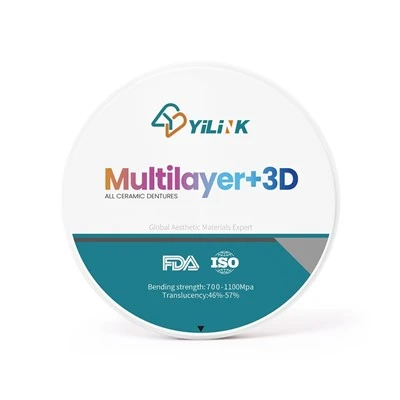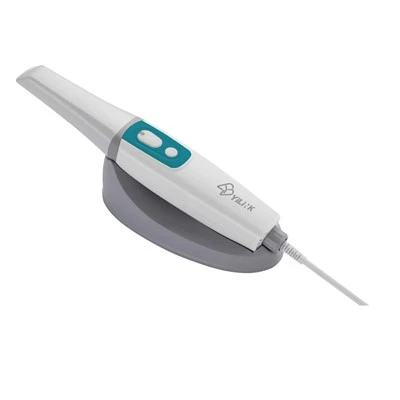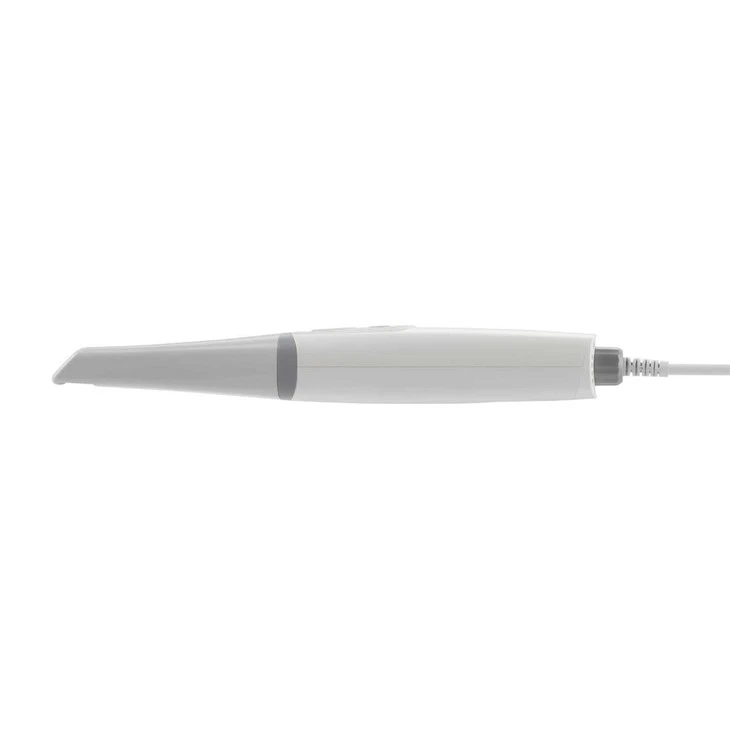
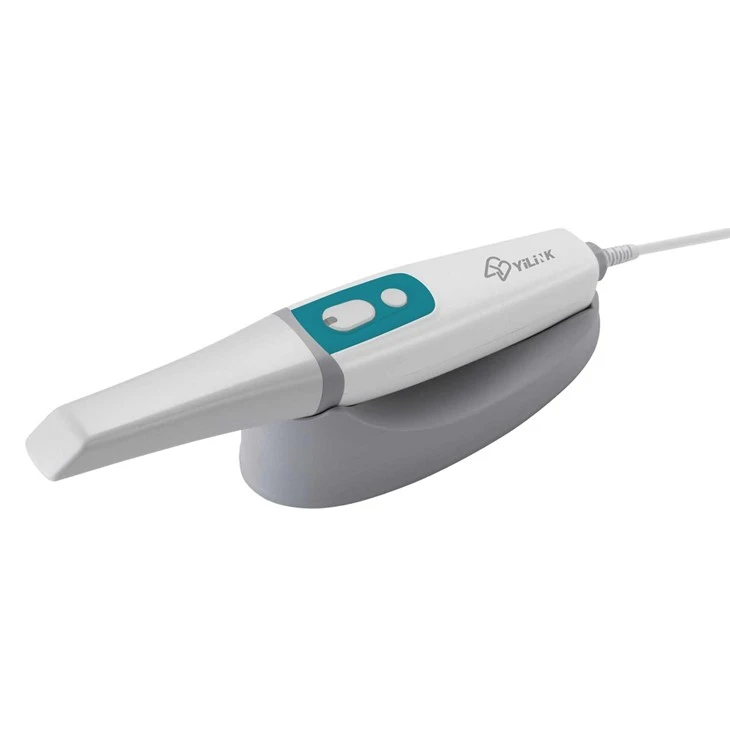
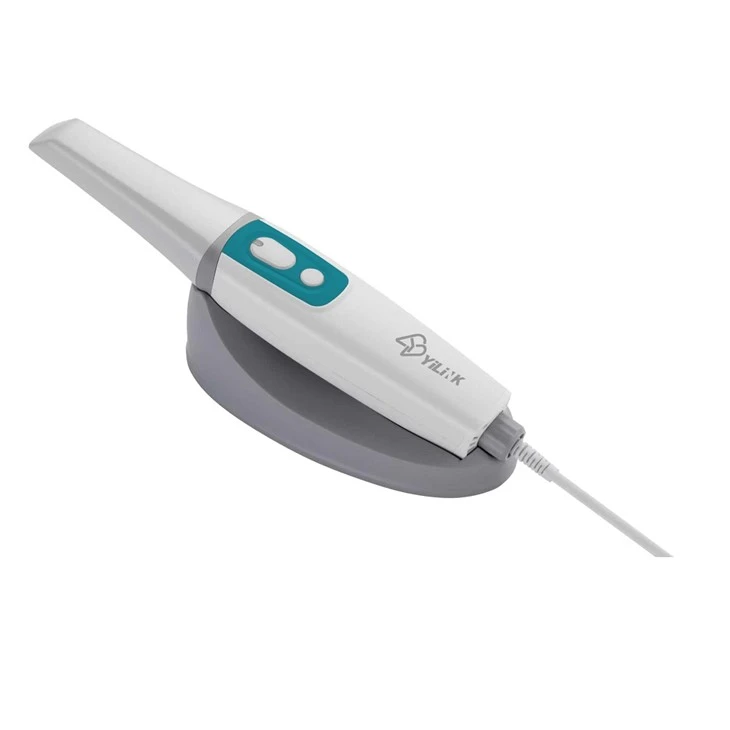
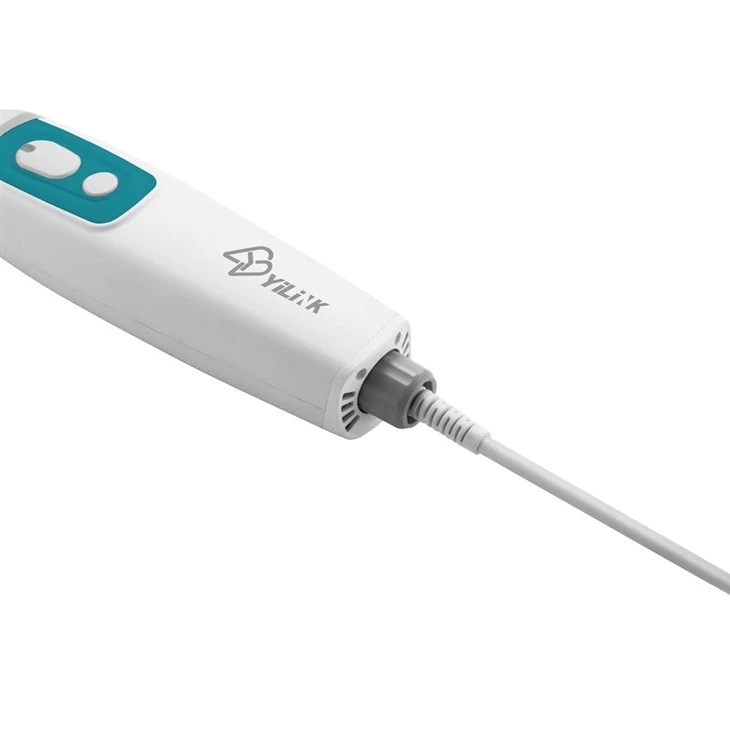
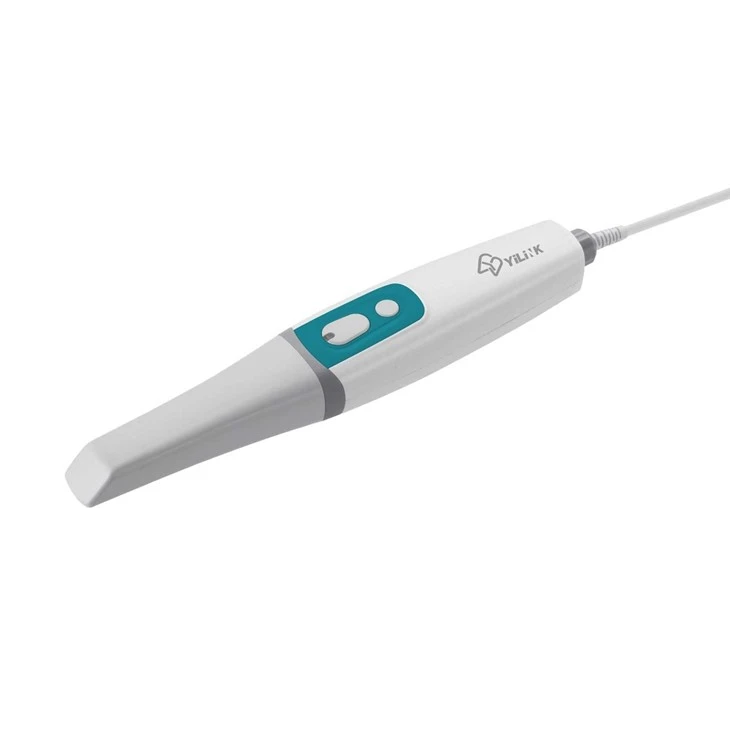
Yilink (Tianjin) Biotechnology Co., Ltd. is one of the most reliable manufacturers and suppliers of intraoral scanners in dentistry in China. We provide high quality customized service to global clients. Welcome to wholesale bulk advanced products at low price from our factory. For quotation, contact us now.
Description
The digital dental clinic is the starting point of oral digitalization. The 3D Intra-oral scanner is the first device in the digital workflow.The Yilink Pumpkin Intra oral scanner will be your most convenient and efficient multi-tool for various applications like diagnostics.Patient education and of couse digital impression taking. Provide your patients more and better serivces and increase quality and efficiency in your dental clinic.
Advantages
1. POWDERLESS-No need for powder, guaranteeing a simplified scanning process and improving patients' clinical experience.
2. REALISTIC COLOR-Real-time scan, realistic color, and a clear margin line.
3. EASY OPERATION-Self-developed scanning software integrates rich data processing functions to obtain high-quality digital impressions.
4. INTELLIGENT DATA OPTIMIZATION-Through the use of Al, the software can automatically identify and delete miscellaneous data such as the buccal/lingual side to realize automated data optimization.
5. AUTOMATIC SCAN RETRACING-When some part of the scan is missing during scanning, this retracing function allows users to jump back to missing area for rescan; aligning the data smoothly.
6. CLINICAL TOOLKIT-The clinical toolkit can help users to evaluate the scanned data at clinics. This includes functions as "adjust coordinate", "extract margin line", "check bite", "mark teeth", "check undercut", etc. This facilitates effective communication between clinics and dental labs while saving time, ensuring high efficiency and quality for design and restoration projects.
Parameters
Product | Yilink Intraoral Scanner |
Scanner wand size | 305*52*37mm |
Image Resolution | 0.3MP |
Output Data | STL,OBJ |
Full-Arch Scan Time | 3-6 min |
Scanning Speed | 15fps (video-based) |
Scanning Accuracy | 20 < µ m |
Temperature | 10 ℃~40℃ (Accuracy can be influenced by too high or too low temperature) |
Interface | USB 3.0 |
Indication |
|

Intraoral scanner Installation
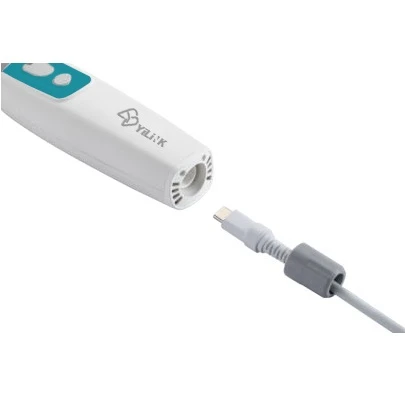
1.Connect scanner, USB data cable, power cord and USB extension Insert the scanner data line, USB data line and power line into the cable and the corresponding interface (3.0 interface) of the computer.
2. Install software Follow the steps below to complete the installation of software programs:
3. (1)Insert the supplied 2-in-1 USB dongle into the USB port of your computer .
(2)Find the file named IntraoralScanX.X.X.X.exe and run it as administrator.
(3)The IntraoralScan InstallShield Wizard window appears to start the installation.
(4)Specify a language from the drop-down list.
(5)Click OK.
(6)Follow the on-screen instructions to complete the installation. When done,three shortcut icons,, , and will appear on your desktop for quick acess
4. Calibrating the Scanner In order to ensure the scanning accuracy of Cameo Intraoralscan, calibration should be carried out regularly. The calibration period is once a week.
(1)Connect the Calibrator As shown in the figure, slide the calibrator gently to the front end of the scanner and connect the calibrator with the computer using the USB3.0 cable provided
(2)Check connection After the scanner is connected and powered on, check whether the camera driver run automatically. Check whether there is “Imaging devices-> Allied Vision USB3 Vision Device” in the “Device Manager” , the presence means the camera driver has been installed successfully.
(3)Operating process Double-click the shortcut icon of Intraoral-Calibration.
(4)Activate machine When the scanner is first used, it must be connected to the internet and activated successfully. Double-click the IntraoralScan icon on the desktop, open the order system.
(5)Accuracy Checking Accuracy Checking is used to check the accuracy validity of existing calibration result of the scanner. It is recommended that the accuracy checking is carried out every time after the calibration is completed.
Connect the scanner and calibrator correctly, click “Start” button to 15
Proceed the accuracy measurement, continue the next step according to the testing result.
FAQ
1. How to Pay ?
We will send you you our proforma invoice when you decide to order from us .
Then you can choose below payment method.
(1) Bank transfer
You can pay us through bank or website bank to our bank account.
(2) Paypal
If you have paypal account , then let us know and we will send you our paypal account .
This way is fast , safe way to pay.
We will send you tracking number after you order .
Our model of transportation: Fedex,DHL,UPS,TNT,by ship ,air plane(the transportation depends on your order quantity).
Delivery time:5-25 days after received your deposit or payment .
3.Is OEM Service available from you?
Yes. OEM Service is available and accepted from us.
Hot Tags: intraoral scanners in dentistry, China intraoral scanners in dentistry manufacturers, suppliers, factory, dental equipment, Digital Intra oral Scanner, intra oral scanner, Portable Dental 3D Intraoral Scanner for Dental Clinic, Scanner 3D Intraoral, Yilink Intraoral Scanner